01
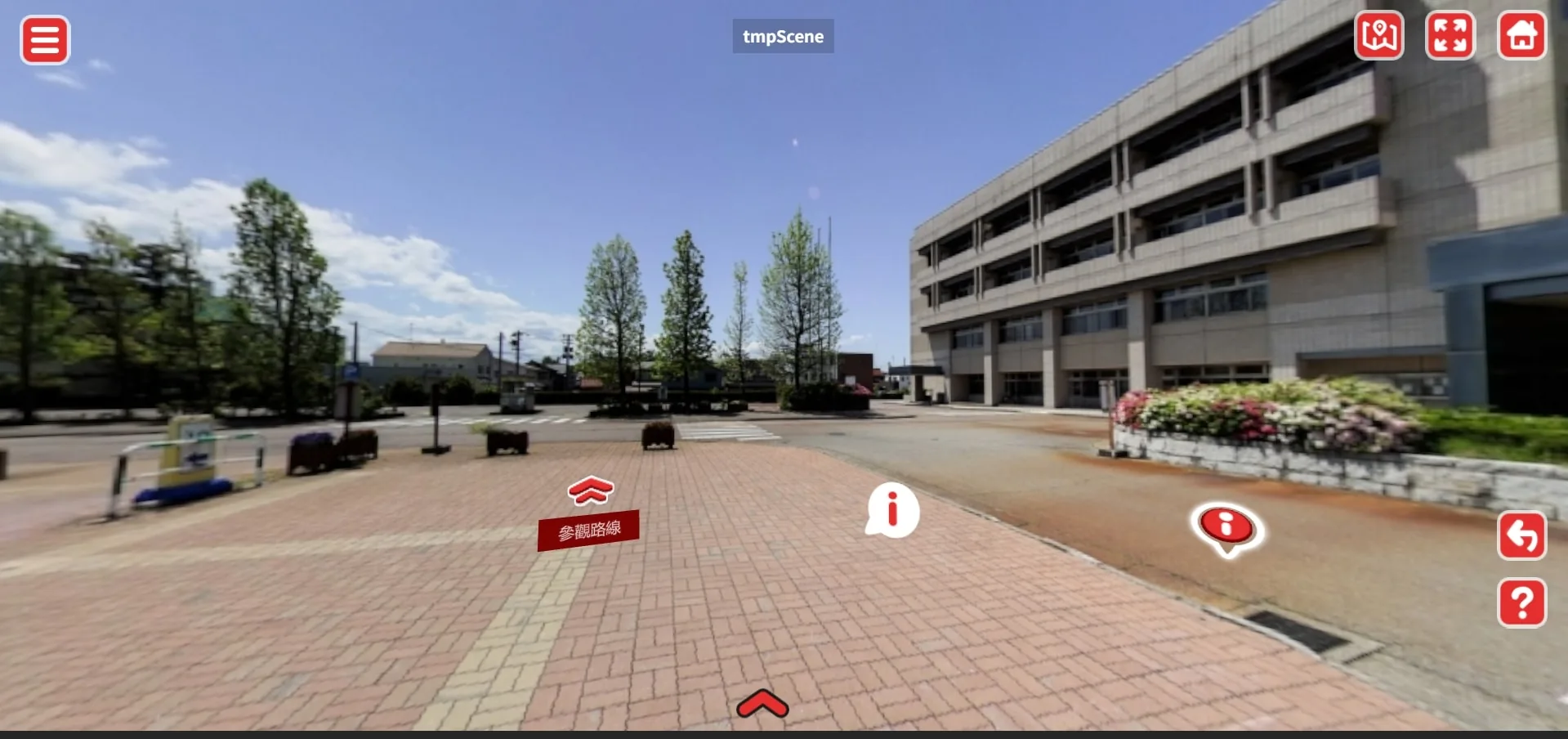
Arrow Position
You can freely set the position of arrows on the screen and define which scenes they link to — with no limit on the number.
Browse directly in your web browser.
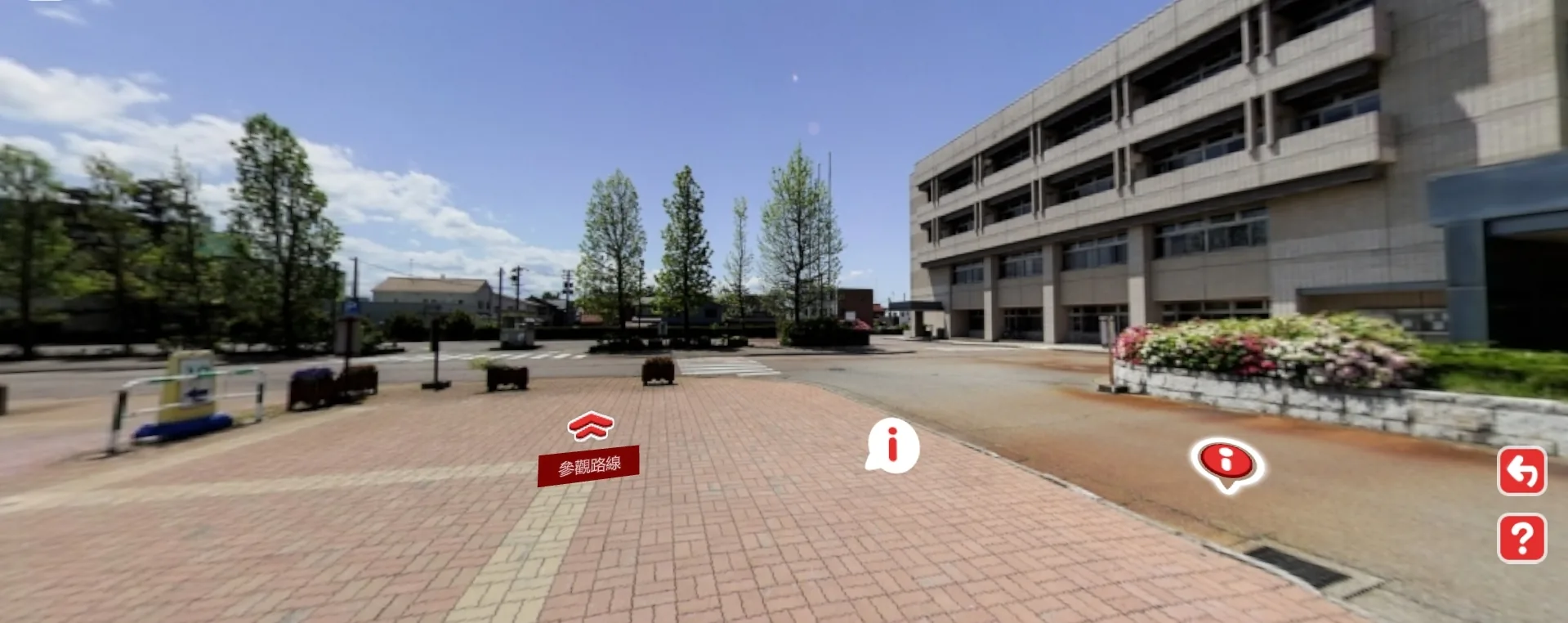
Developed VR panoramic tours for two major campuses, fully presenting all interior routes of the buildings. Based on specific needs, textual descriptions, multimedia content, and external links were added to introduce architecture and historical artifacts. A mini campus map was also designed to help users quickly locate and navigate to specific areas, providing an intuitive and seamless exploration experience.
A fully customized 720° VR tour designed to support both desktop and mobile devices. Uses a one-time purchase model with no recurring monthly or annual subscription fees. Future thematic content can be flexibly expanded based on demand to meet diverse application scenarios.
You can freely set the position of arrows on the screen and define which scenes they link to — with no limit on the number.
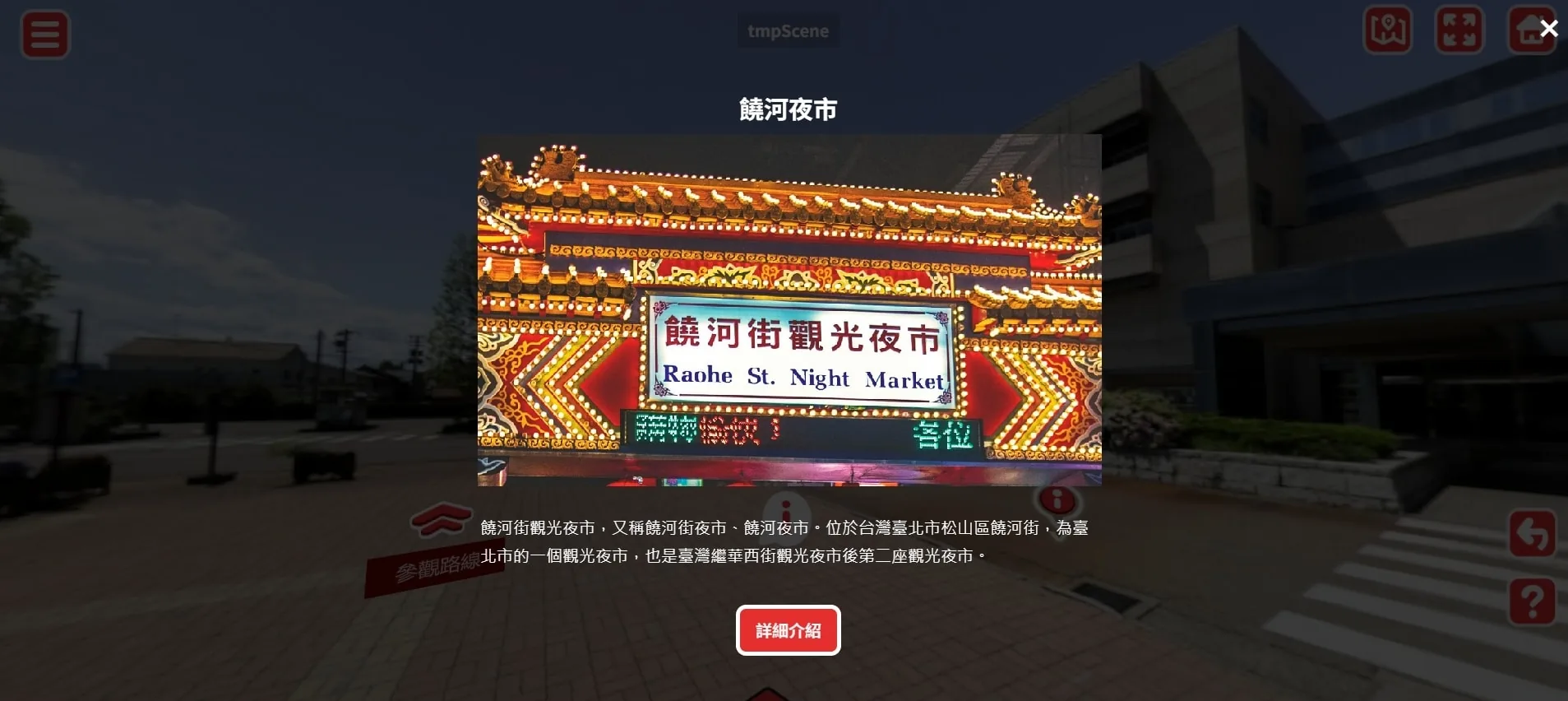
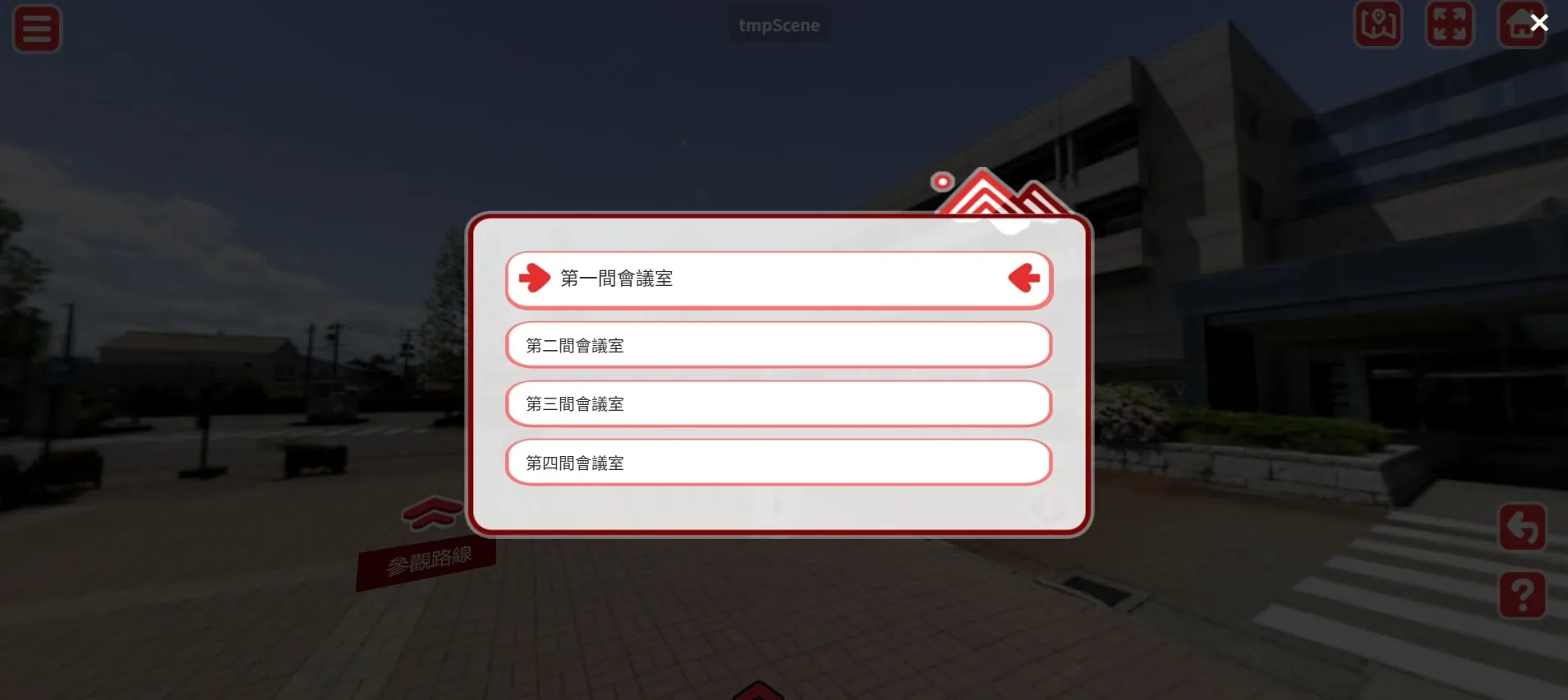
Two display types are available — information panels with detailed descriptions, and quick links for direct navigation.
A compact version of the campus map with custom markers, such as AED locations, added according to user needs.
Each campus can have a dedicated homepage and quick navigation to other scenes.
Detailed info panels for landmarks and artifacts that need an introduction; quick links set up by theme or purpose.
720° panoramic tours, Web VR, mobile experiences — let's talk.